DTRAC
Explore 5 components in Survey & collection. Compare the preview cards, then choose a component for usage guidance, editable properties, KMP examples and JSON.
Preview catalog
Search this category by name, purpose or data type. Clearing your search keeps the selected category. Choose another category from Components in the sidebar.
Compare intended uses
Start with these examples to compare the roles needed by your screen. Each detail guide includes recommended uses, cases to avoid, accessibility guidance and property-level support.
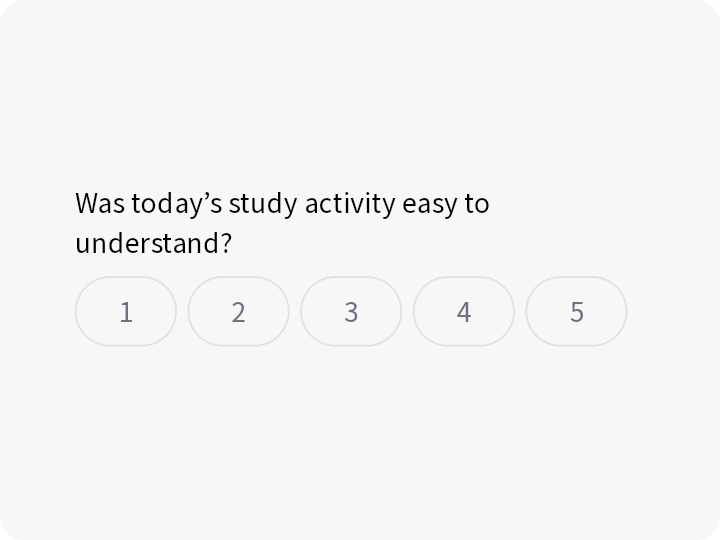
- Likert scale: Collects agreement or experience intensity on an ordered scale.
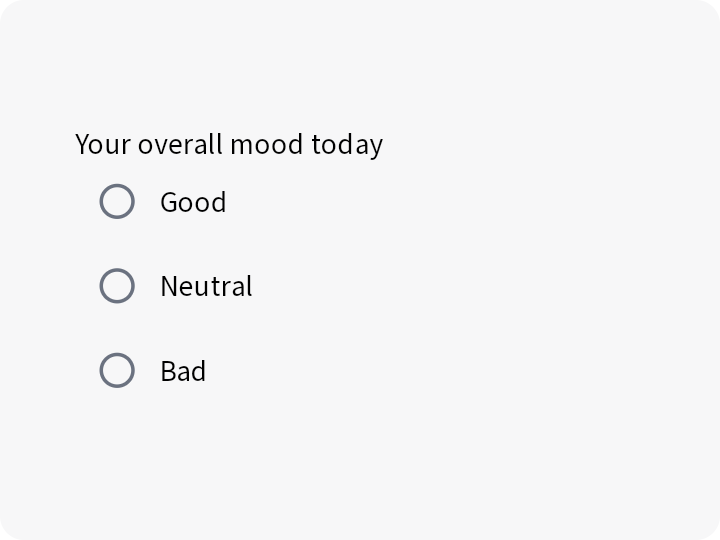
- Radio group: Chooses one option from a mutually exclusive set.
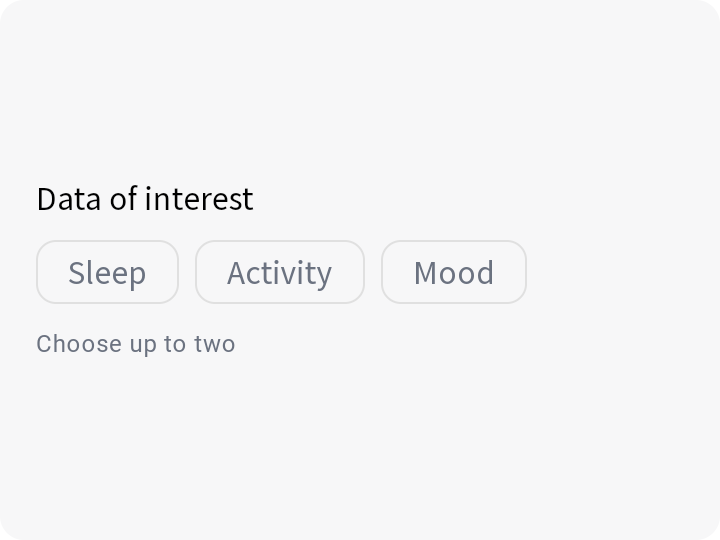
- Multi-select: Compares several choices as chips and stores selected values as a string array.
Examples and support scope
Start a detail page's KMP preview and adjust properties to update the example screen and JSON. Copy the JSON, then connect the bindings and actions required by your study. Resetting an example restores its documentation state without affecting participant records.
Each detail guide explains rendering targets, editor scope and AI authoring conditions. It distinguishes the support review date from the property and example snapshot date. Check Engine documentation for execution conditions on participant devices.