DTRAC
DTRAC Builder는 연구 앱을 구성하는 빌더와 에이전트 관련 문서의 시작점입니다. 연구 설정과 수집 구성을 작성하는 작업 영역, 이를 지원하는 실행 역할을 구분해서 설명합니다. 이 문서는 현재 코드의 구조를 안내하며 전체 설치·운영 매뉴얼이나 배포 준비 상태를 보장하지 않습니다.
Builder에서 요청을 앱 구성으로 연결하는 흐름
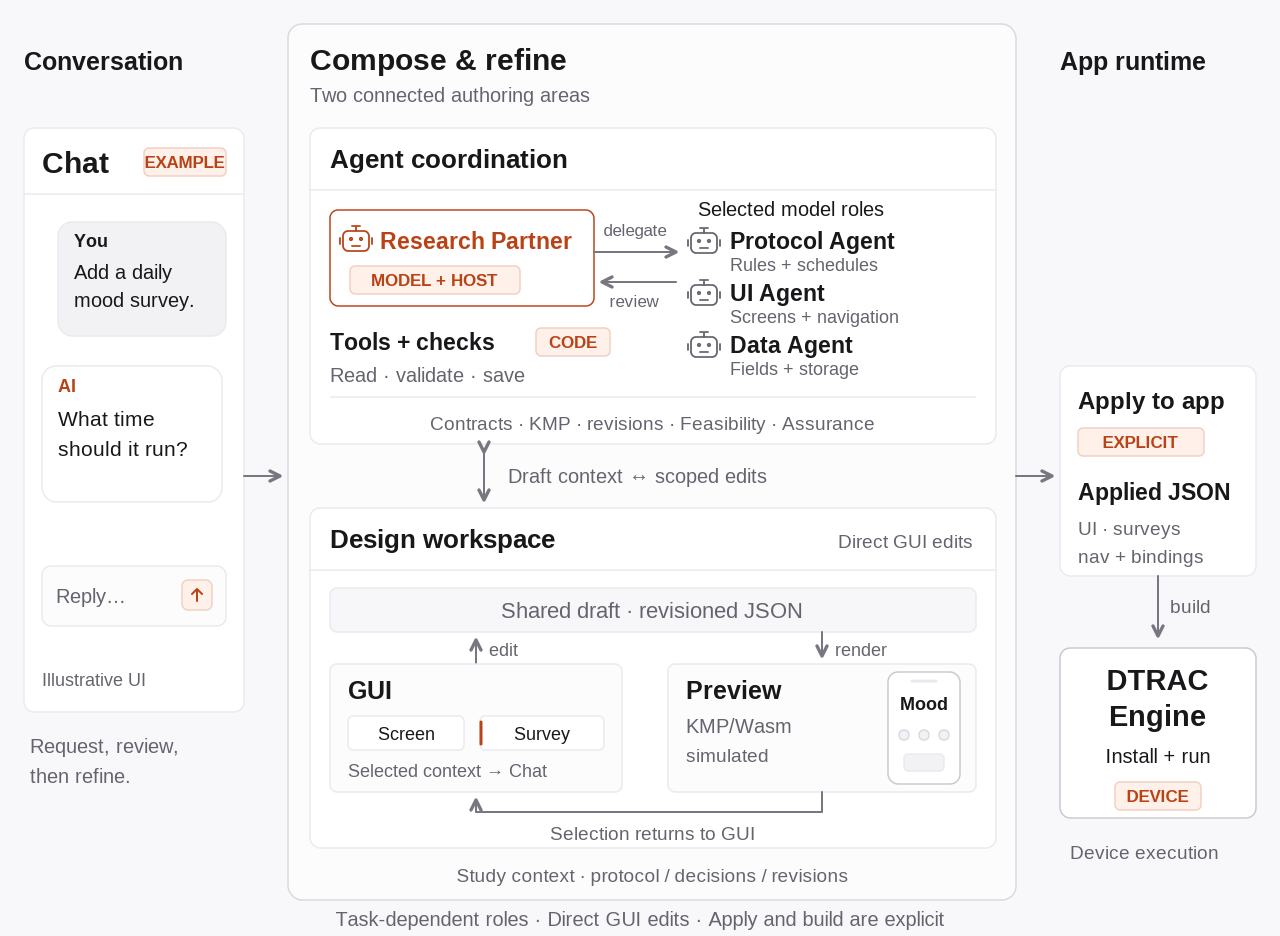
Read the diagram
Chat and two peer authoring areas. The small Chat, GUI and Preview use a hypothetical daily mood-survey example, not a real transcript or exact product screenshot. Chat carries requests, feedback and returned AI replies. Agent coordination and Design workspace share one Compose & refine stage; Agent coordination sits above Design workspace, with equal-level headings and a two-way scoped connection. They are peer areas, not successive steps. Scoped canvas calls exchange draft context and proposed edits, without implying that every research Chat request changes the canvas or that both areas always execute simultaneously. GUI can edit directly. The main reading direction continues through explicit Apply to app, JSON and build/install to Engine.
Chat, GUI and Preview form one design workspace. GUI edits and scoped canvas AI proposals use the same versioned draft. KMP/Wasm Preview renders its JSON; selecting a preview element targets the GUI editor, and the GUI can send that selection to Chat. The researcher reviews, gives feedback or edits directly, then previews again. Preview screen/survey interaction uses simulated state; it does not rewrite design JSON or participant data. Drag/drop changes are handled by the surrounding GUI editor. Explicit Apply to app validates and writes app assets before a separate build/install. General research Chat uses study-authoring tools, so not every message edits the canvas. Workspace source evidence (opens in a new tab).
Read the agent connections. Research Partner combines a model-assisted workflow with host orchestration. Delegation and review arrows show selected role calls and typed results returned to that workflow. Host tools execute synchronously and return observations used by the next model step. Shared context is revisioned application state. Data Agent is the compact diagram label for Data Collection Agent; the direct design/canvas route can bypass specialist review.
Research Partner routes by task. Current requests, source text, the Living Study Protocol and revisioned decisions provide context. Study edits can use a model/tool loop; proposal tasks select domain reviewers; canvas edits can call UI composition directly. These paths do not invoke every role for every request.
Protocol, UI and Data Collection agents make separate role-prompt model calls when selected. They share a base revision and exchange owned patches, constraints, questions and evidence. A lead review precedes peer reviews, with bounded reconciliation. Roles may use the same model. The host orchestrator is code; legacy expert names do not add autonomous agents.
Host tools control changes. Study authoring prepares, validates, atomically saves and reads back a complete amendment. Design generation uses component, action and binding contracts, JSON candidates and KMP render checks. Canvas changes remain drafts until app apply. Feasibility and Assurance are code checks; optional persona wording cannot increase a capability verdict.
Host checks summarize safeguards along each path. It is not one extra model stage. Feasibility uses supported, generatable, constrained or unsupported; Assurance uses passed, warning or blocked, with build initially not_run. Missing research decisions stay questions, and saving settings does not complete researcher review.
Implementation limits and optional routes. The study-authoring loop allows up to 16 model/tool steps and cannot generate screens. Selected domain coordination uses a lead, peers and bounded reconciliation, with up to six calls on the reviewed path; cached or conservative fallback results are possible. Host tools reject stale or partial amendments and preserve later edits during selective undo. The selectable General Agent shares authoring tools; LangGraph is optional, with legacy as the default dispatcher.
Artifacts and runtime are separate. Saved study configuration feeds generation. Applied screen/navigation/survey JSON and runtime bindings become build inputs. Explicit Android build and install actions hand the app to DTRAC Engine. Preview does not verify device execution. View implementation evidence (opens in a new tab).
Research Partner가 연구 상태와 작업 종류에 맞춰 모델 역할 및 검증된 호스트 도구를 선택합니다. 연구 수정, 도메인 검토, 캔버스 구성은 서로 다른 경로를 사용합니다. Feasibility와 Assurance는 각 경로의 검사이며, 디자인 미리보기·앱 적용·Android 빌드는 별도 단계입니다.
영문 구조도와 Read the diagram은 2026년 10월 13일 검토한 소스의 역할 경계와 근거를 제공합니다. 아래의 이전 문서 기준은 보존합니다.
세 제품의 관계
| 제품 | 문서에서 다루는 범위 |
|---|---|
| DTRAC Builder | 연구 앱의 구성 작업과 빌더·에이전트 구조 |
| DTRAC Engine | 참여 기기에서 실행되는 수집 앱의 사용 조건·데이터·개발 |
| DTRAC SDK | 외부 Android 호스트용 내부 Alpha와 공개 배포 전 남은 작업 |
Engine 문서는 참여 기기의 실행 동작을 설명합니다. SDK 문서는 재사용 가능 모듈과 추가 작업을 구분하며, 출시된 통합 SDK의 사용법을 뜻하지 않습니다.
어디서 시작하나요?
- Builder에서 앱 구성: 빌더 구조와 작업 영역에서 연구 설정·수집·디자인 작업의 경계를 확인합니다.
- Engine에서 실행·수집: 실행 환경과 연구 설정으로 이어서 참여 기기의 실행 조건을 확인하고, 권한과 데이터 수집 문서를 살펴봅니다.
구성 작업을 지원하는 역할은 에이전트와 실행 역할에서 확인할 수 있습니다.
화면 컴포넌트
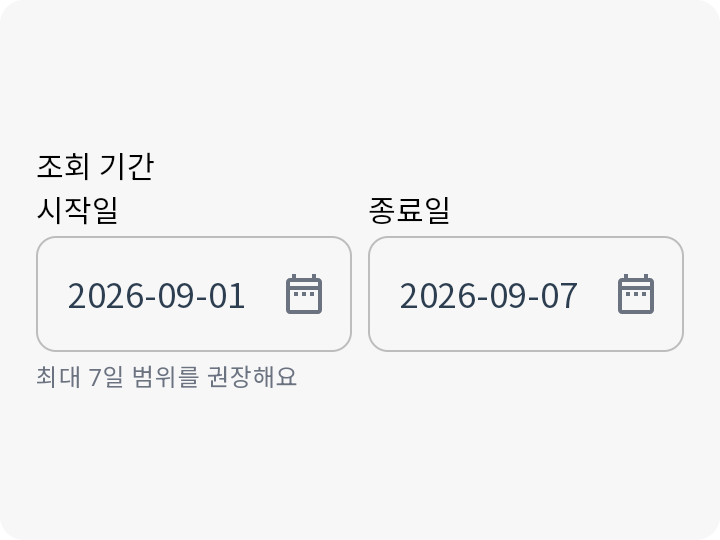
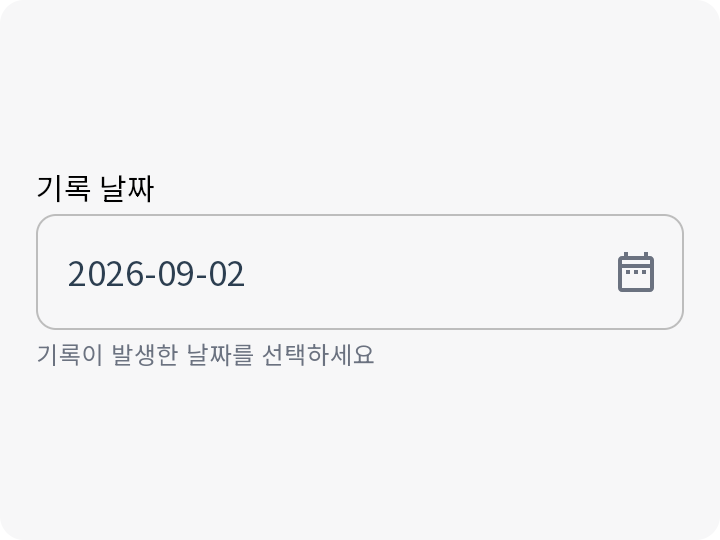
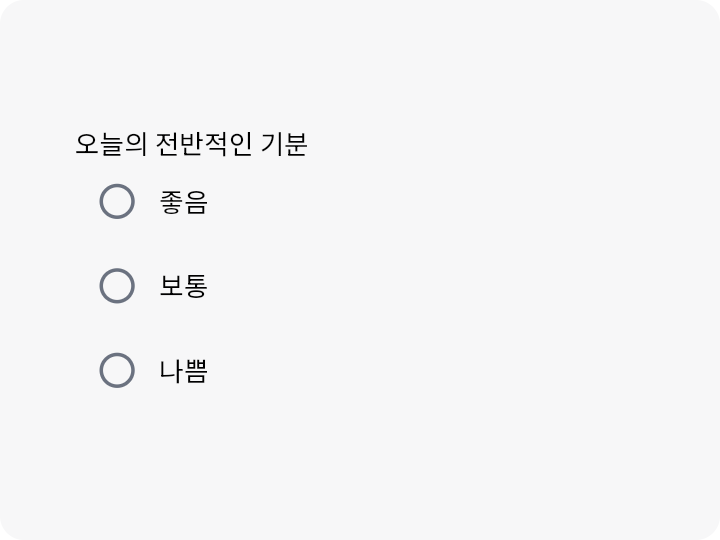
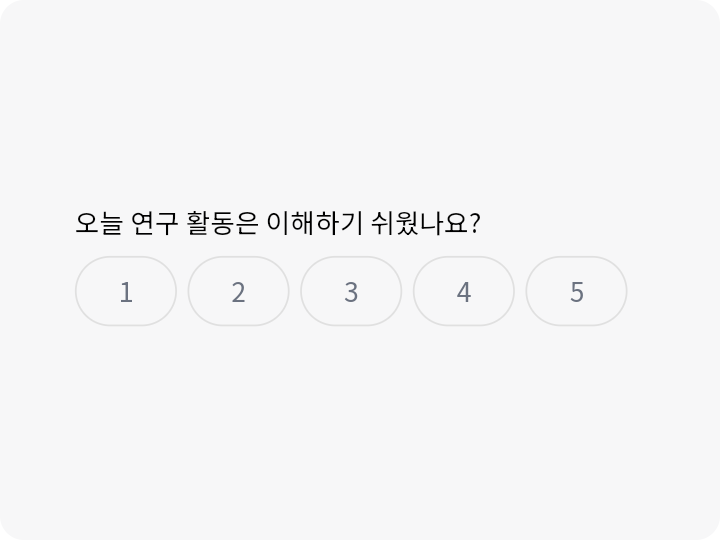
연구 화면은 레이아웃·콘텐츠·입력·액션 등을 조합해 구성합니다. 필요한 컴포넌트를 찾고, 사용 기준부터 KMP 미리보기와 JSON 예제까지 확인하세요.
45개 컴포넌트 전체 보기에서 분류별 카드를 둘러보거나 검색하세요. 지원 범위와 AI 작성 조건은 각 상세 문서에서 확인할 수 있습니다.
현재 문서의 기준
2026년 9월 17일 작업 트리를 기준으로 합니다. renderer의 기본 진입점은 main.tsx에서 연결하는 StudioShell입니다. 에이전트 분류는 agentTaxonomy.mjs를 기준으로 읽습니다. 기존 단계형 화면이나 파일이 존재한다는 이유만으로 현재 기본 화면이라고 판단하지 않습니다.
새 사용 가이드나 연동 예제는 해당 동작의 코드와 실행 조건을 확인한 뒤 이 제품의 문서로 추가할 수 있습니다. 프로젝트 설정만으로 배포 가능한 Android 앱이 완성되는지, 외부 연구 환경에서 어떤 검증이 필요한지는 별도 확인이 필요합니다.
아키텍처 참고 자료
DTRAC 아키텍처 — Assurance 탭을 빌더·에이전트 구조와 함께 참고하세요. 외부 아키텍처 자료로 이동하며, 링크는 Assurance 탭을 지정합니다.
참고 사이트는 현재 ChatGPT 로그인이 필요합니다.